Platform Overview
The inorigo® platform comprises several specialized modules and tools to create, govern, and navigate the metagraph model and the solutions created with inorigo®.
The platform can be configured to meet your organization’s needs and user requirements.



Provides unified access to inorigo’s® tools and modules
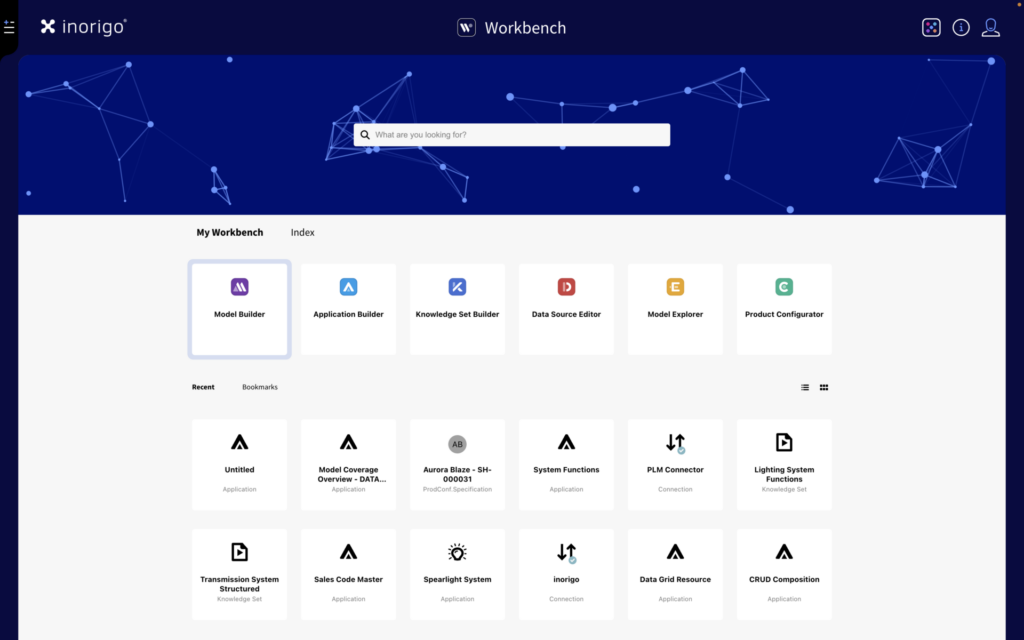
The Workbench is the place to access and work with inorigo’s® building tools, modules, and to launch applications.
Elements created in inorigo’s® modules, such as Applications, Knowledge Sets, and Model Diagrams, can be accessed quickly via bookmarks, recent items, and search in the Workbench.
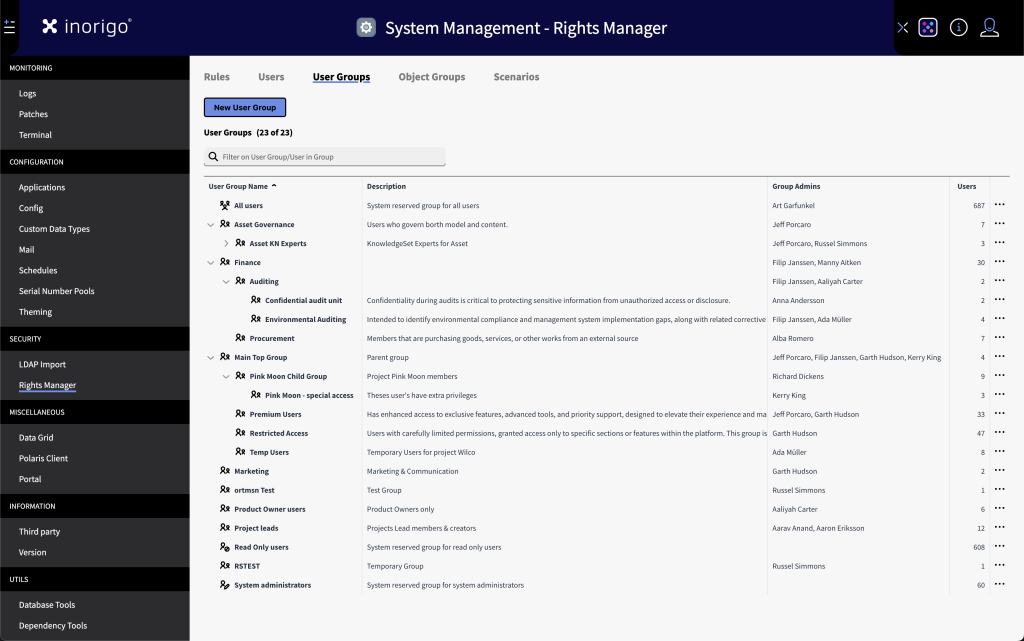
Designated User Groups can access the System Administration module, where they can customize platform theming, manage users, and configure serial number pools, among other things.
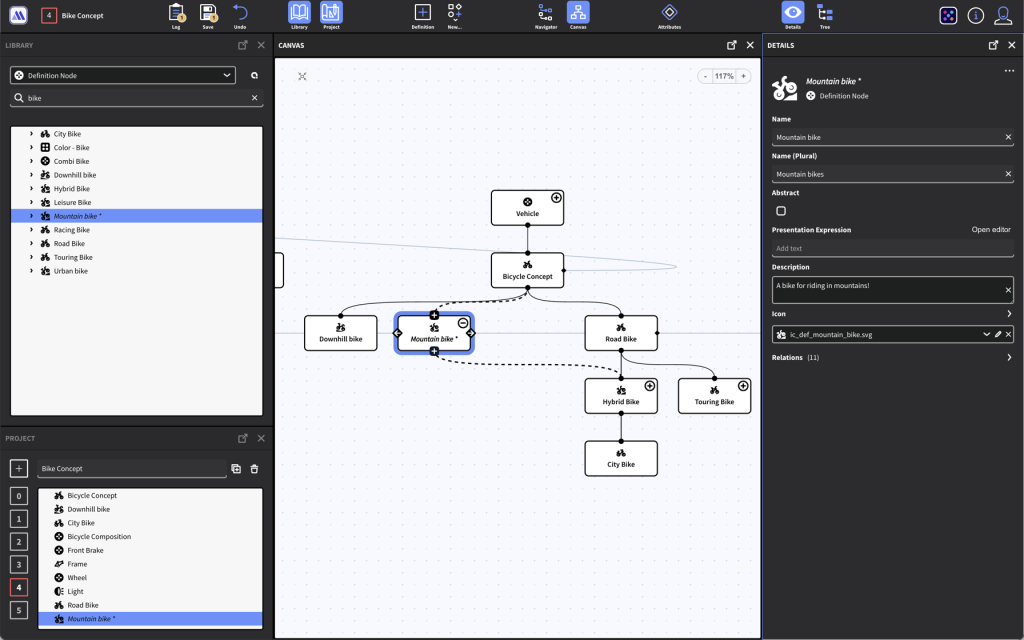
For creating and managing the Metagraph model
The Metagraph Builder is at the core of the inorigo® platform. It allows for creating a dynamic Metagraph model without any coding or database expertise.
The model can be easily iterated and modified as new insights and requirements emerge, and expanded to cover any domain.
The inorigo® Metagraph technology supports the following database-related concepts:
- Nodes, edges, properties, and pairwise connections
- Hyperedges and Relations
- Classification / Inheritance – Single and Multiple
- Composition structures and Cross dependencies


Provides insights and communicates the model and data efficiently
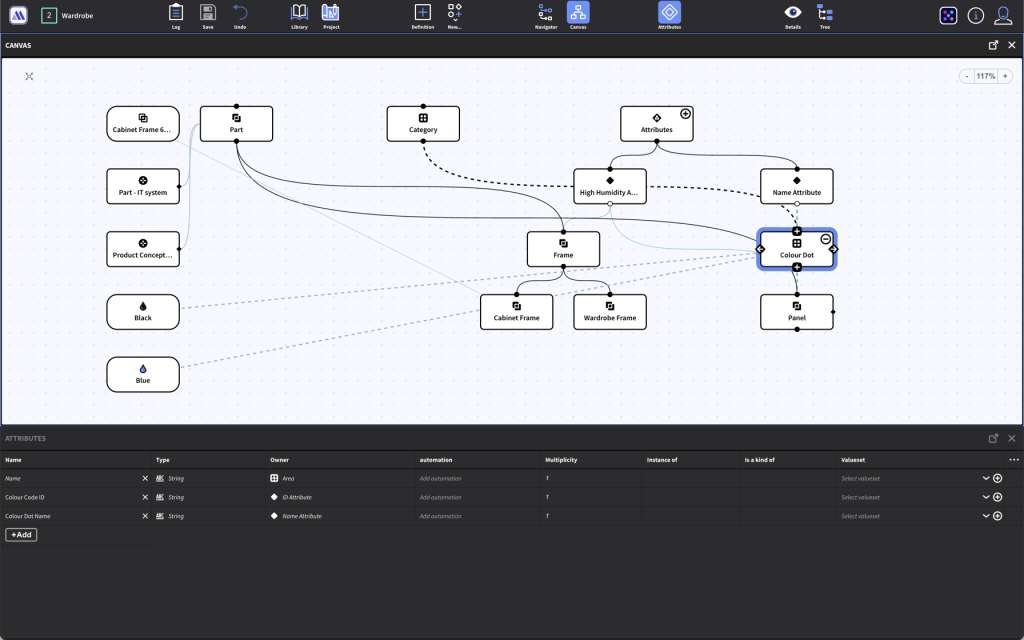
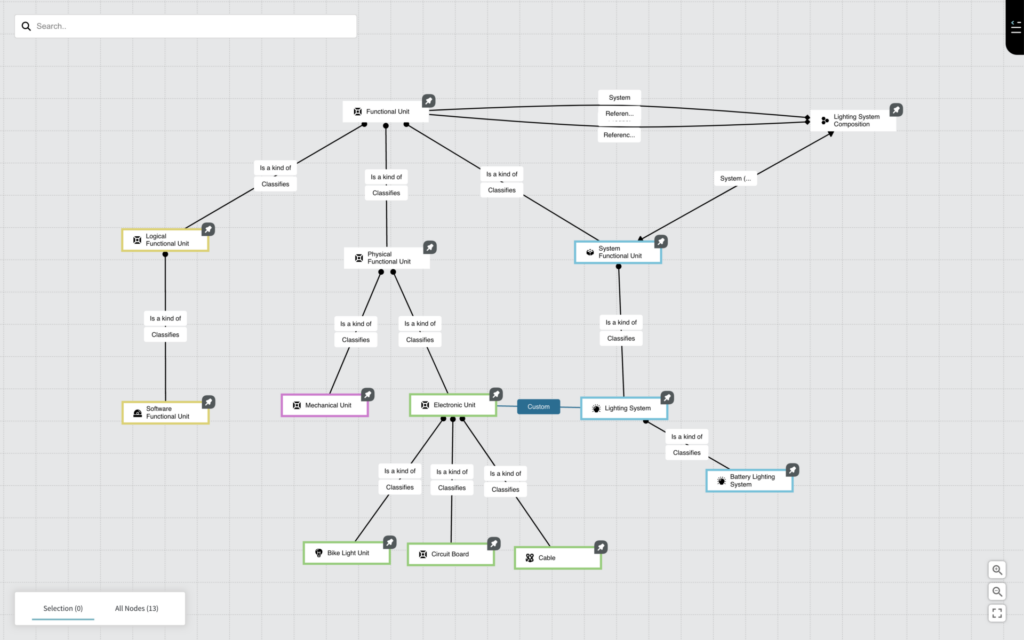
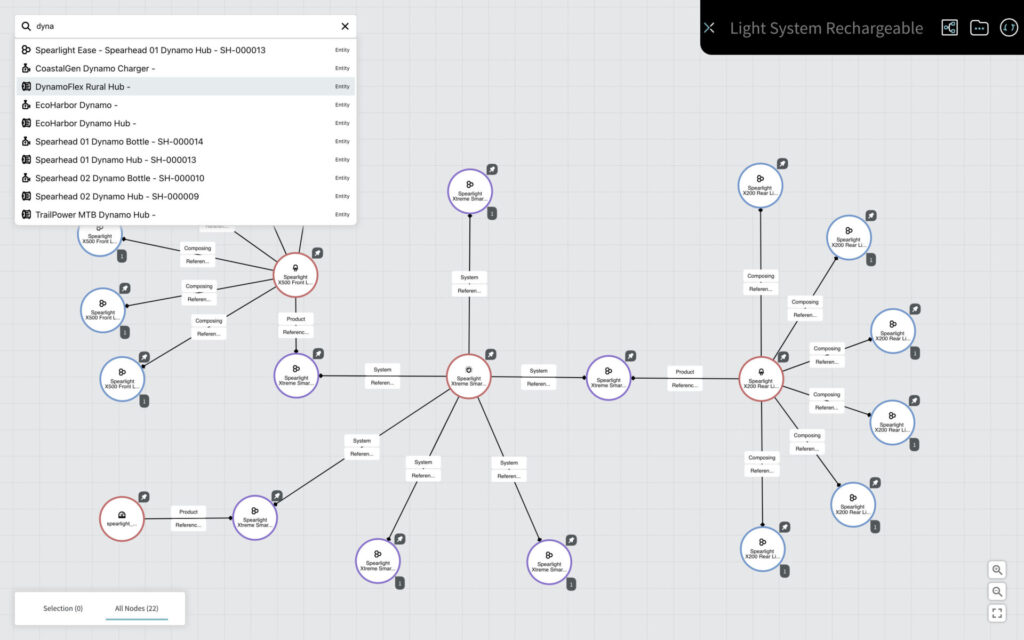
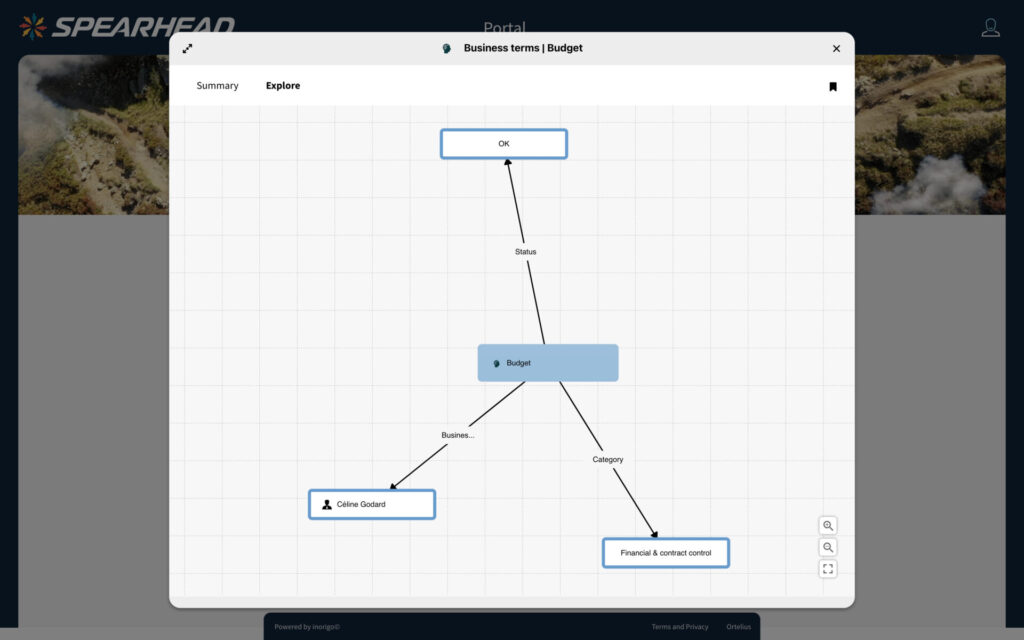
Model Explorer visualizes inorigo’s® models and data as interactive Model Diagrams.
The Model Explorer consists of two modes: A Model mode and a Data mode:
The Model mode allows for creating a customizable Diagram from a subset of the metagraph model. This facilitates discussion with architects and other stakeholders to verify that it supports business needs.
It is also a powerful tool for discovering correlations and identifying gaps in the model, such as missing edges between nodes.
The Data mode renders the model data as data nodes and edges. This view is especially valid when validating the model with business stakeholders who are not accustomed to interpreting models.

Creates powerful queries and transforms data
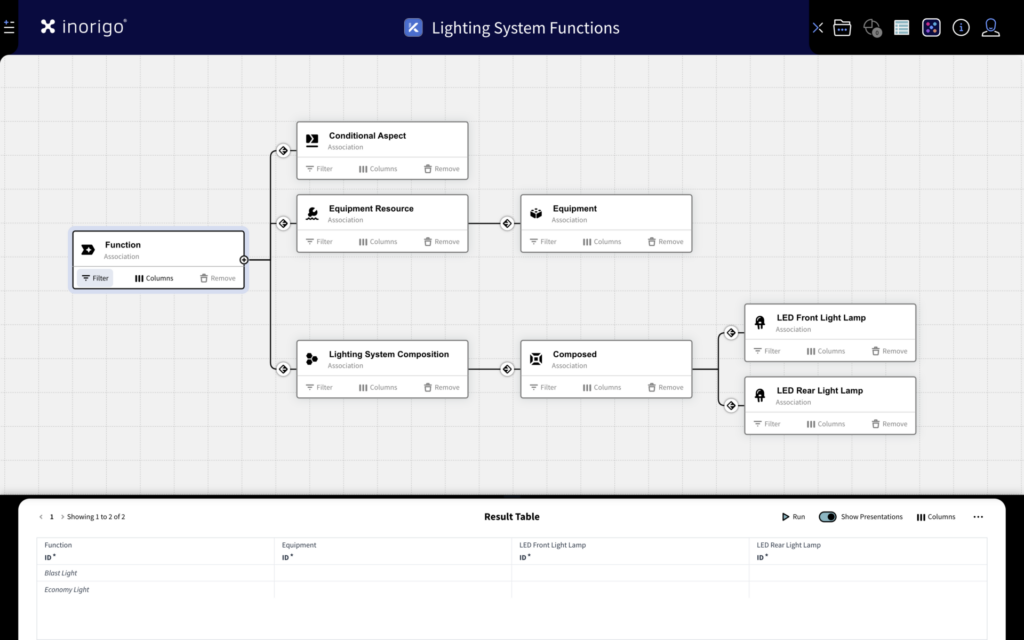
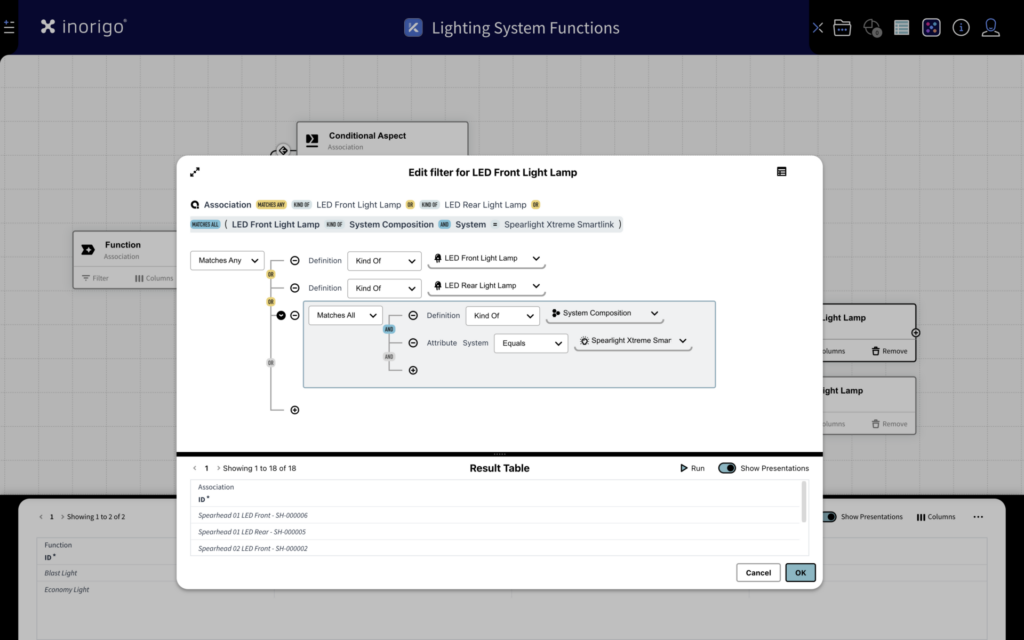
The Knowledge Set Builder is a powerful tool that streamlines data output for efficient consumption by its recipients.
The module provides an intuitive user interface for querying the Metagraph model and returning results as a flat table. It supports concepts such as inner and outer joins, subqueries, and calculated columns.
The output can be refined and made very precise by applying filters in the embedded Query tool.
The result can be utilized by an inorigo® Application or published via the inorigo® Web service as a data source for a BI system, integration, or an app.

Builds tailor-made governance and analysis applications
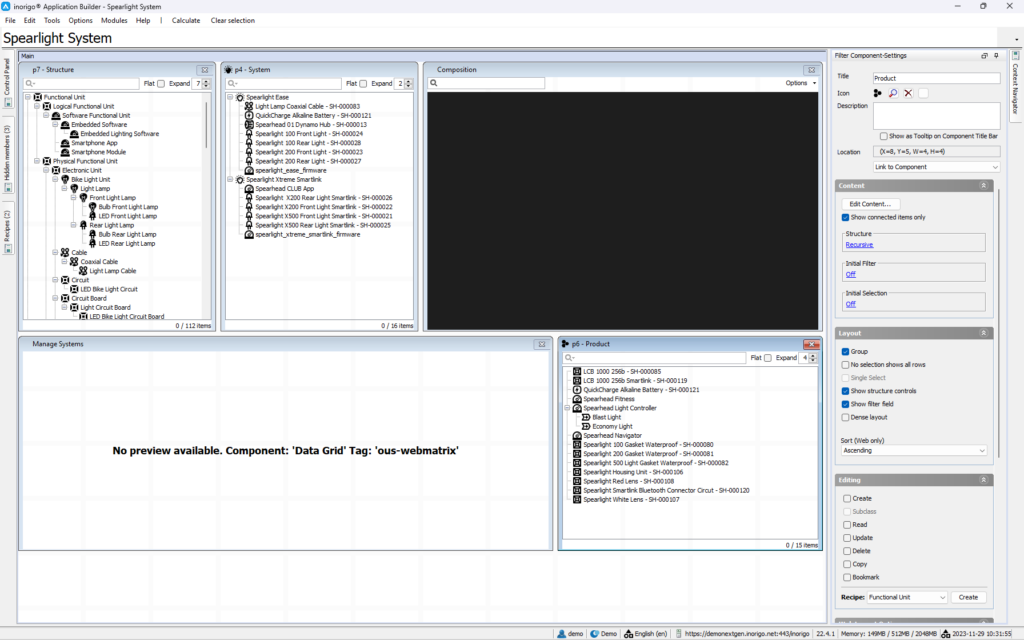
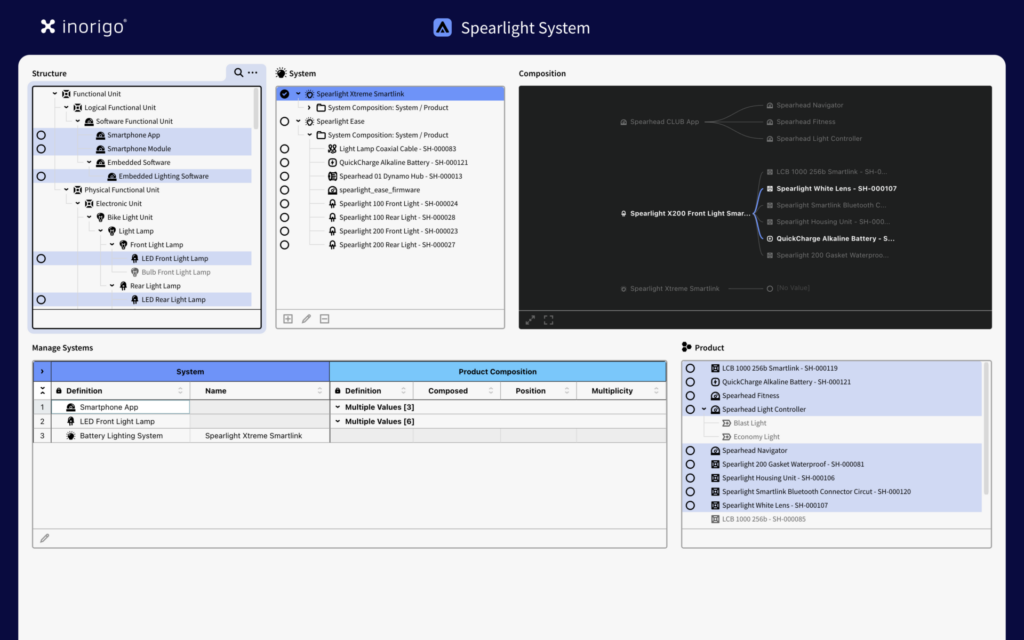
The Application Builder is a low-code/no-code module for building web-based applications for data governance, visualization, and analysis.
There are two specialized components for governance: the Form and the Data Grid, which users can use to interact with the Metagraph database. The data grid is a powerful component that enables managing multiple nodes and supports pasting large datasets from sources such as spreadsheets. Forms allow convenient data entry in a linear, structured format.
In addition, Application Builder includes several out-of-the-box components, such as filters, advanced graphs, a world map, and layout boxes.

Connects inorigo® to external data sources
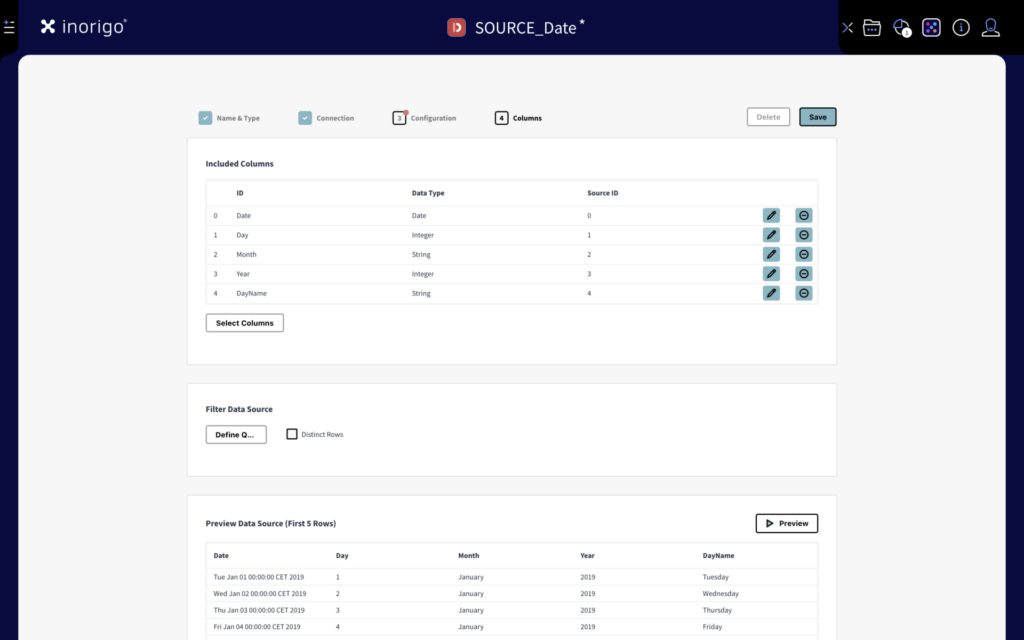
The Data Source Editor is a tool for configuring connections and integrating external data sources into inorigo®.
Templates facilitate connecting to external data sources in formats such as CSV, XML, JSON, HTML, Excel, and SQL. Using advanced filtering, it is possible to narrow the results to avoid excessive data.
The result can be linked to one or more Knowledge Sets and/or be embedded as a data source in an inorigo® Application – or published through the inorigo® Web Service.
inorigo® also integrates with external data sources, including Amazon Redshift, MongoDB, Oracle, PostgreSQL, and MySQL.

Connects & integrates inorigo’s® data and model
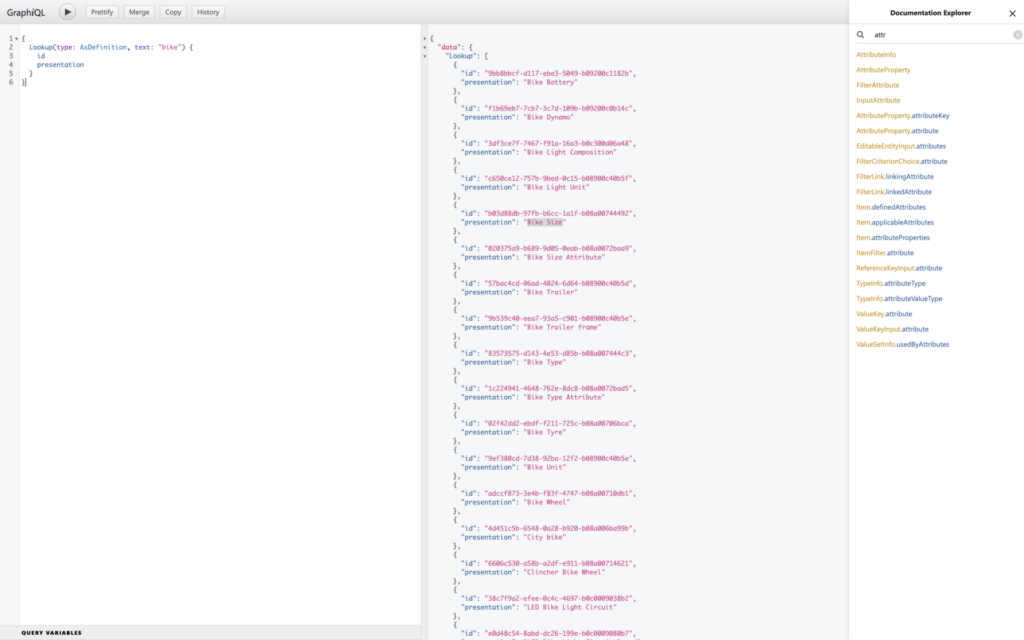
The inorigo Metagraph platform supports both REST and GraphQL APIs to support openness.
The extensive REST API Web services library opens for external applications to consume or interact with the Metagraph database without compromising data integrity. It supports both GET and POST methods and returns results as XML or JSON.
The GraphQL web service allows retrieving structures from inorigo®, like taxonomies, or metadata like attribute properties.
An inorigo® schema is built into the GraphQL adaptation and reflects inorigo’s® metamodel. By using inorigo’s® schema, it is possible to retrieve virtually anything and format the response so the structure is optimized for the consuming system.

Provides applications and components in one place
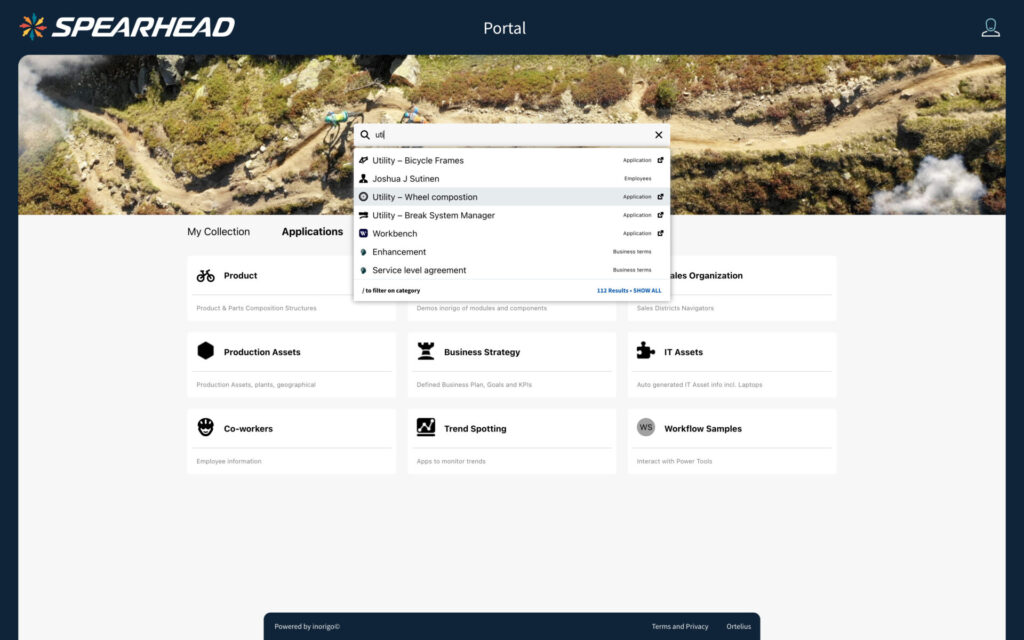
The portal gives operators access to inorigo’s® solutions and data.
The portal can be visually customized and organized to fit with the organization’s brand and web.
At the center of the portal is a free-text search to find Applications, Model Diagrams, and data. Applications and other components can be organized in a flexible menu system, grouped, for instance, by business area or different domains.
The data search is fully dynamic, making it possible to modify content without any coding.

Manages user access and defines permissions across the platform
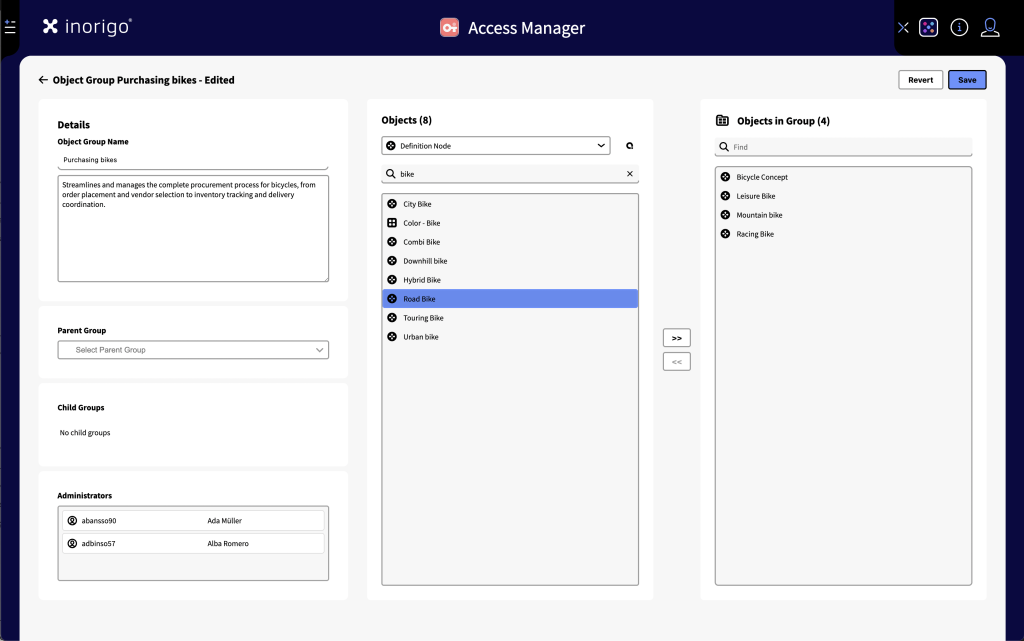
The Access Manager and the Rights Manager are two complementary components that govern access to inorigo’s® solutions and data.
The Rights Manager is part of system management and is used to define roles, permissions, and platform-wide access — typically managed by a system administrator.
The Access Manager allows selected creators to manage access within specific scopes—such as a project, model area, team, or application group —without compromising overall governance.
Together, these components support fine-grained control over who can view, edit, and manage what.